Today’s post is going back to the basics and sharing Three Fundamental Search Engine Optimization techniques that I believe every single blogger and photographer should know! I am far from being an SEO Expert (I’ll save that title for my sweet friend Krista who is truly the web-genius of the group and has taught me so much on this topic!), however – I use these Three Techniques consistently every single time that I blog to help boost my website in search engine results!
Lately, I’ve had quite a few questions in my mentoring sessions about SEO Strategy! Nothing too fancy that requires hiring an expert or having someone optimize your site for you… These are simple actions that when multiplied over weeks and months of consistent blogging can have an enormous impact on improving your web search placement! I used to be on the eighth page of google for “Annapolis Wedding Photographer” and now I’ve made my way to the first page through implementing the following three tips almost daily!
We’ll first start by discussing how to see where you “rank” when it comes to Google Searches. Despite what you may think, typing keywords directly into Google on your browser will not produce the same organic results that a potential client will see. Simply by being logged in to your gmail account with an extensive past search history, Google may sometimes skew your results to uniquely cater to YOU. If you spend a lot of time on your own blog or website, this could mislead you into thinking that you are on the first page of Google, when in fact you are on the second or third page. (Cough… This was me for years!)
How to find where you “Rank” in a Google Search:
There is an awesome article that goes into more depth about finding your Google Rank on The Palm Shop, that I recommend everyone reads! If you’re a step-by-step visual learner like me, I hope the video tutorial above will help walk you through how to do an incognito search in the Google Chrome Browser.
Essentially, you’ll see how the first time I search for myself the results are completely skewed! Google ranks my site higher, my workshop site higher, and links to blog posts from accounts that I follow on Google+. When I go incognito, the results are more accurate to what a potential client would see when searching the same criteria!
Tip #1 – Quality Content
One of the biggest tips I can give you, right from the start, is to ensure that every blog post you share includes well-written content that mirrors the key words clients are using in day to day searches. I’m sure you’ve heard Bill Gate’s phrase, “Content is king!” in regard to SEO and this couldn’t be truer!
Whether you’re sharing a wedding, educational article, or round-up – it’s important that you aren’t skimping on the text within the body of your post. Start here and aim for a minimum of 300Â words per post (which is the ideal minimum according to Yoast).
For Wedding Photographers: I always start my posts with descriptive keywords whenever possible (especially the wedding venue, city or location, the style of the wedding, unique details + DIY projects, and any other relevant information) to identify certain target phrases that are likely searched by couples getting married in my area. Also pay attention to the keywords that are already leading people to your site using Google Analytics and consider capitalizing on some of those phrases going forward.
Good for SEO: This nautical Chesapeake Bay Beach Club wedding in Stevensville, Maryland took my breath away.
Not so good for SEO: This wedding was really beautiful and took my breath away.
I also love the SEO Guide to Content from Search Engine Land that goes into even more tips about specifically writing content that is optimized! It may be a little more in depth than you need to go, but it was a good read!
Tip #2 – Name Your Images with Descriptive Keywords
This is one of the easiest ways that you can be consistently optimizing your images specifically for google searches! Rather than exporting images with the name, image-1.jpg, be sure to have the image files themselves full of SEO-Friendly keywords. Here are a few brief examples:Â Fine-Art-Annapolis-Wedding-Photographer.jpg or Pink-Peony-Wedding-Bouquet.jpg
I recommend keeping those descriptive titles relevant to the images that you’re displaying, however you can also get creative in naming them if you’re moving to a new area and want to get a jump on building your SEO for that location. If you’re sharing a classic bridal portrait from an Annapolis wedding, but are moving to Denver in a month, it doesn’t hurt to name the image, Denver-Wedding-Photographer.jpg, and get the ball rolling!
Tip #3 – Take Advantage of Alternative Text
This is a bit more technical than the other two, however it is a fundamental SEO Tip for photographers who are blogging photographs as the primary source of content on their blogs! Alternative Text is embedded into the html of images in order to describe an image in detail to search engines and other platforms. If you’ve ever switched from the “Visual” to “Text” panel on your WordPress blog, alternative text looks a little like this:  alt=””
Editing All of your Alternative Text at Once >> Nat’s Timesaving Tip!
You can update this text slowly image by image or in mass – which is how I do it on a daily basis! When I’m sharing 80-100 images per wedding blog post, it would be far too time consuming to edit each bit of alternative text individually and I use this quick trick to do an overarching “Find and Replace” and edit all of the images at once!
Where I need to Improve: My next step is to make my current website Mobile Responsive, which is a work in progress! My ranking on mobile is a littler lower as a result and hopefully once I get that up and running, it will slowly crawl forward!
Looking for more?
Here are three awesome SEO articles from my Colleagues that I personally love:
– Elle and Company’s SEO Made Simple
– Katelyn James on a Quick Guide to Google+ for SEO
– The Palm Shop’s Secret to Meta Tags & Descriptions
I hope today’s Tech-Talk Tuesday post was informative and gives those of you unfamiliar with SEO a little introduction! There are so many additional aspects of search engine optimization that I’m actively learning and testing! As I discover better ways to implement these strategies, I will be sure to pass them along!
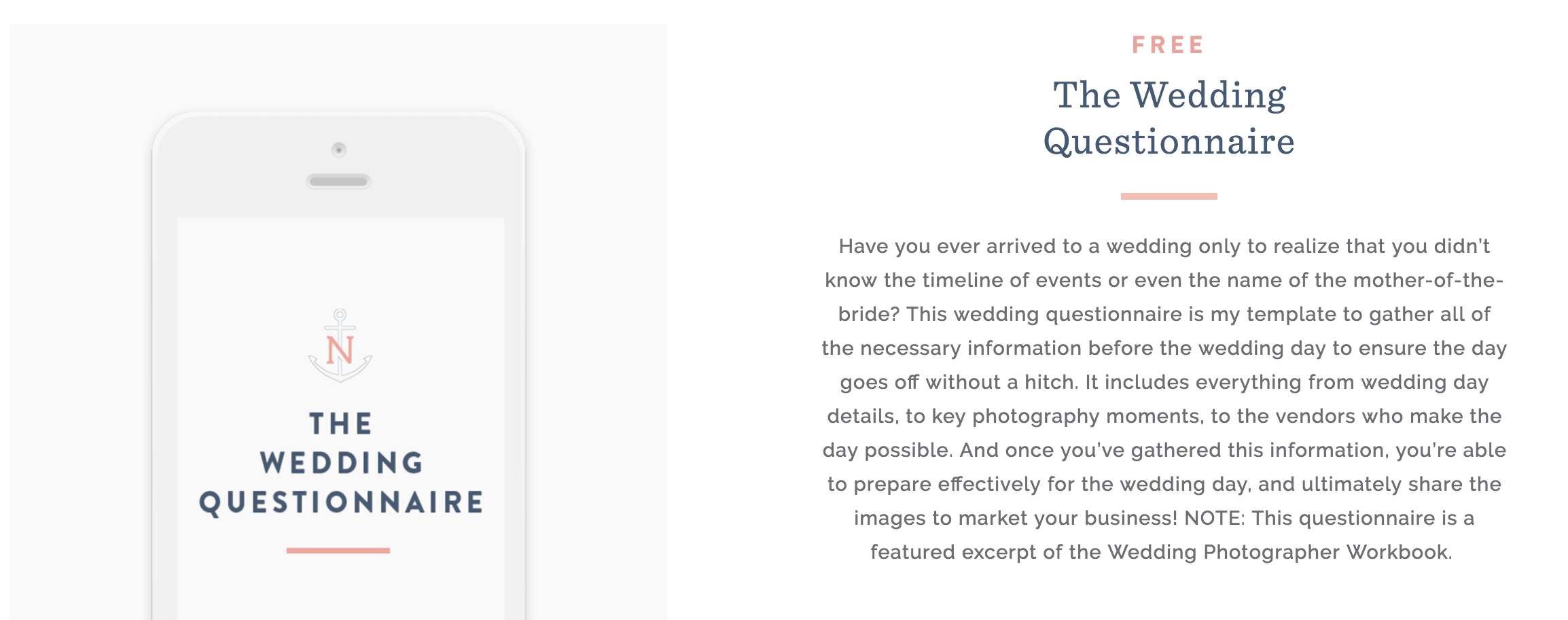
Download my Wedding Photography Questionnaire — Fill out the form above and get it delivered straight to your inbox! All of the questions I ask my couples to help them prepare for the big day and ensure that I can provide them with an extraordinary experience.
July 21st, 2015 at 7:51 am
I am so bad about tagging, but I know it’s worth it!! Great post.
July 21st, 2015 at 9:09 am
So, so helpful! I will definitely save this article as a great SEO tip reference.
July 21st, 2015 at 9:32 am
Such a helpful article! Thanks for sharing!
July 21st, 2015 at 9:37 am
This is amazing as always – do you know if the “alt text” is an option if you are not working with wordpress? I have a square space site and often some of the SEO tricks don’t seem to apply to non-wordpress. Thanks again!
July 21st, 2015 at 9:44 am
Deb – Not to worry! Squarespace is a little different than WordPress, however you still have the ability to add alternative text to your images! I found this helpful article From Squarespace that will walk you through how to do it! Cheers!
July 21st, 2015 at 11:12 am
Natalie these tips are awesome!! Those videos are very helpful! I can’t wait to see more of them!!
July 21st, 2015 at 12:19 pm
Having the same “alt text” is not good for SEO. Or at least that’s what they say. I also read that the alt text shouldn’t be longer than 4-5 words. I also try to keep this in mind when I create my alt text.
July 21st, 2015 at 4:13 pm
Alina – Great point! Like I show in the video tutorial you can go back through and tweak them individually to be more specific (i.e.: the bouquet photograph) once you’ve done your find and replace! I’ll have to do more research regarding optimal number + variations for alternative text, however using it at all is a good start for beginner bloggers who are unfamiliar!
July 21st, 2015 at 2:36 pm
Natalie!!!!! Using “Find & Replace” is GENIOUS for that alt-text!!! I’m currently doing it all individually and it drives. Me. Crazy!!! How do you do that in wordpress? I just downloaded a plugin that should supposedly help, but it’s not working…lol!!!
July 21st, 2015 at 4:53 pm
I’m so new to this and I can’t thank you enough!
July 21st, 2015 at 8:54 pm
LOVE. Implementing… NOW.
July 21st, 2015 at 10:25 pm
Great advice, Natalie (as always!)!
July 22nd, 2015 at 7:00 am
Love your blog! Thanks for the amazing SEO tipps!
July 27th, 2015 at 7:27 am
So helpful! I’ve never understand how to edit the alternative text before!
January 20th, 2016 at 10:54 am
[…] Three Simple SEO Tips for Photographers by Natalie Franke […]
July 27th, 2016 at 10:59 am
[…] Simple SEO Tips for Photographers […]
October 5th, 2016 at 2:25 am
[…] Three Simple SEO Tips for Photographers […]
November 17th, 2016 at 12:35 pm
great article, will you write more about seo? those are really basics… maybe something more specific next?
November 17th, 2016 at 2:07 pm
Thank you so much for this post! You’ve saved me soooooo much time with alt text.
November 24th, 2016 at 9:32 am
Thank you for amazing post!
I’m totally agree with you about images and texts !
September 22nd, 2017 at 9:52 am
Hey there!!! Does the faster image insert plugin still exist? I can not find it haha I see that this blog post was 2 years ago!
April 4th, 2019 at 9:15 pm
It makes sense that you would want to use alt text because it basically tells Google what your picture is of! I need to start implementing your alt text tips.